

Among Us White Character cursor
142Free
Among Us White Character Cursor - Unveiling the Mystery of the Plain and Innocent Crewmate
Install the Cursor Space extension for Chrome or Cursor Space for Edge in your browser.
On this page, click "Add this cursor pack to the extension".
Open the extension and go to the Packs tab.
Find the custom cursor pack "SHOOKY cursor" and click it.
Enjoy!
Get this cursor pack and thousands of others by installing our extension. It's fast and free!
SHOOKY Cursor is a themed cursor pack you can add to your browser to personalize your pointer across common cursor states (default and pointer). Use it for everyday browsing, streaming, studying, or gaming-anywhere you want your cursor to match your vibe.
See how the cursors look before installing.
Add the pack to the extension in a few clicks.
Designed for Chrome and Edge via the extension.
Quick answers to common questions about cursor packs, collections, and installation.
Yes. To apply cursor packs in Chrome or Edge, install the Cursor Space extension and add this pack to it.
Cursor packs are designed for Chromium browsers like Chrome and Microsoft Edge.
Open the extension, choose another pack or disable the current one to return to your default cursor.
Custom cursor and packs - neon, anime, pixel art. Quickly add to Chrome and Microsoft Edge for free
Among Us White Character Cursor - Unveiling the Mystery of the Plain and Innocent Crewmate

Upgrade your browsing with the Vibrant Orange Gradient Cursor. This custom cursor offers a seamless orange gradient, merging style with functionality
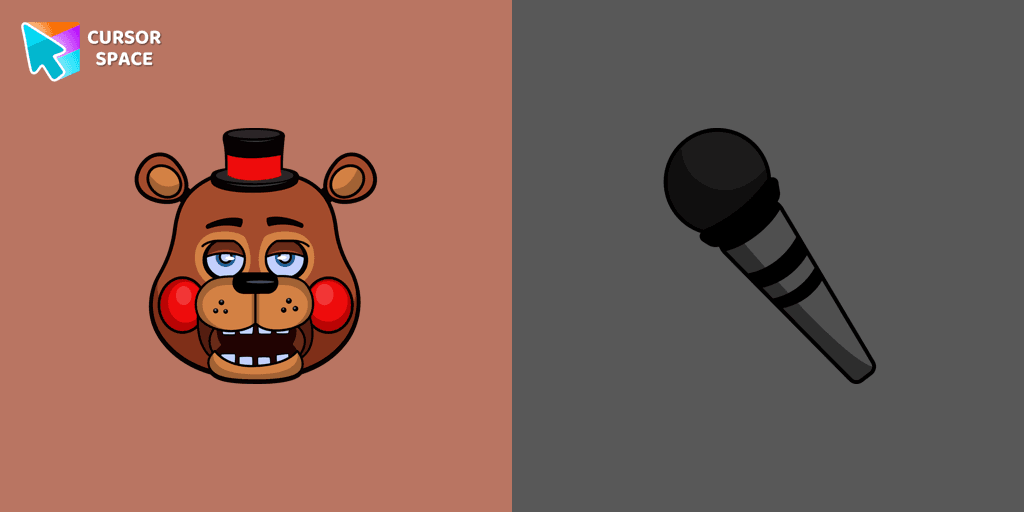
Stylish custom cursor with Rockstar Freddy and microphone as a custom hover for Five Nights at Freddy's cursors collection.
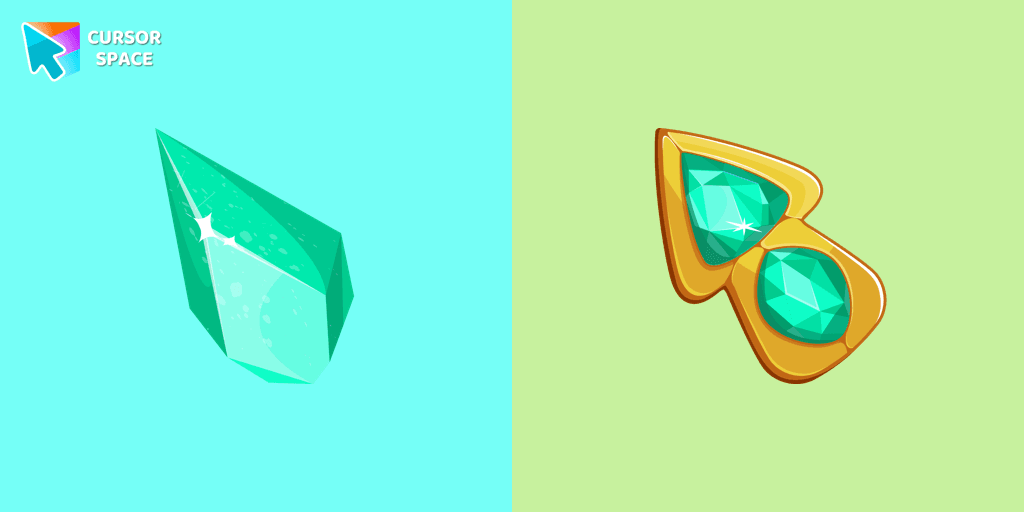
Upgrade your browsing with the Green Amethyst custom cursor! Elegant and unique, it adds a touch of beauty to your screen. Make your pointer shine today!
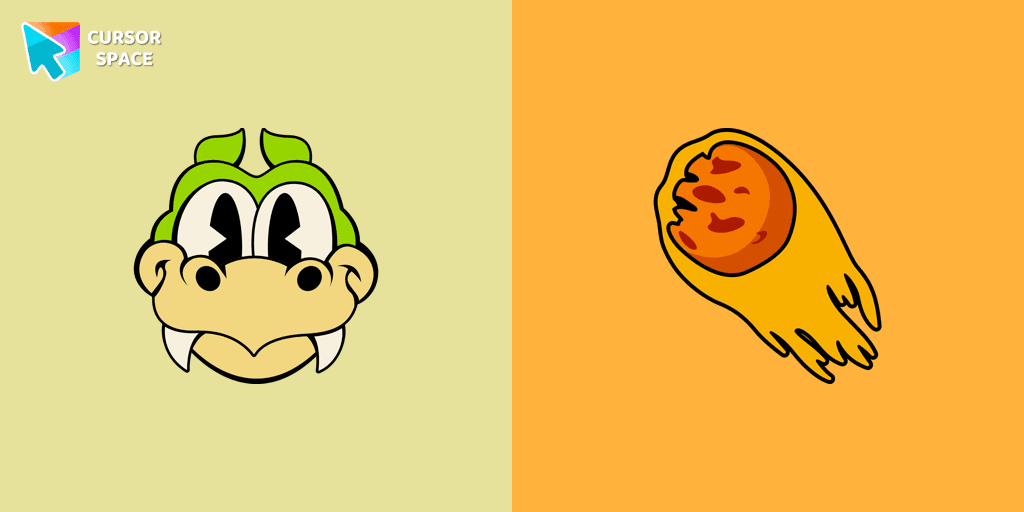
Enhance your browsing with the Grim Matchstick custom cursor for Google Chrome. This animated cursor brings the fiery charm of the Cuphead boss to your screen.

Custom cursor with Sky is a good opportunity to change the usual mouse to the fans cursors from the Friday Night Funkin collection.
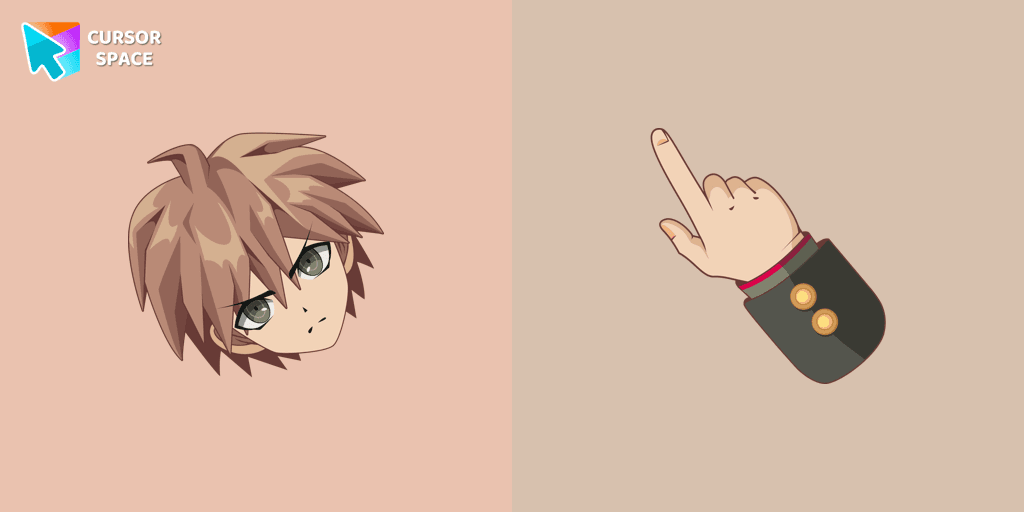
Enhance your browsing with Makoto Naegi, the Ultimate Lucky Student, by using our custom cursor. Swap your default cursor for Makoto Naegi's image for a unique touch.

Use a cute hamster as a custom cursor for mouse and pointer from our Hello Kitty custom cursors collection for Chrome.
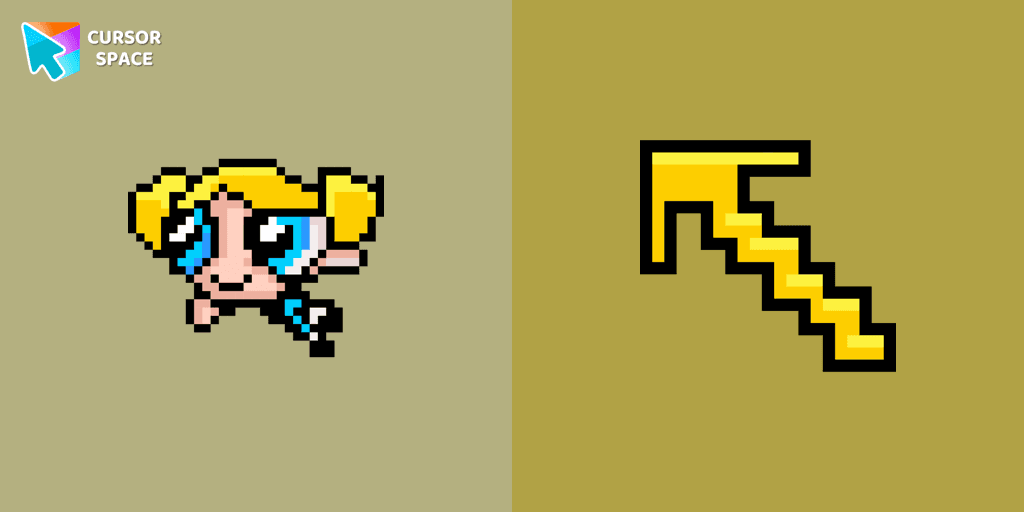
Pretty Bubbles Pixel cursor will change the usual mouse cursor to a cute one from our Cute Pixel collection.
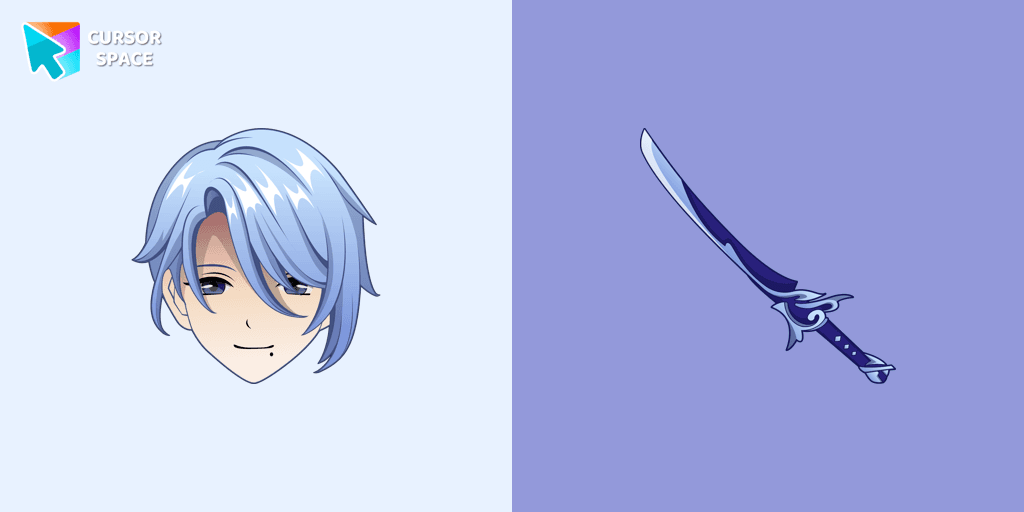
Kamisato Ayato custom cursor from our custom cursors collection for Chrome will change your default mouse pointer to the Genshin Impact character.
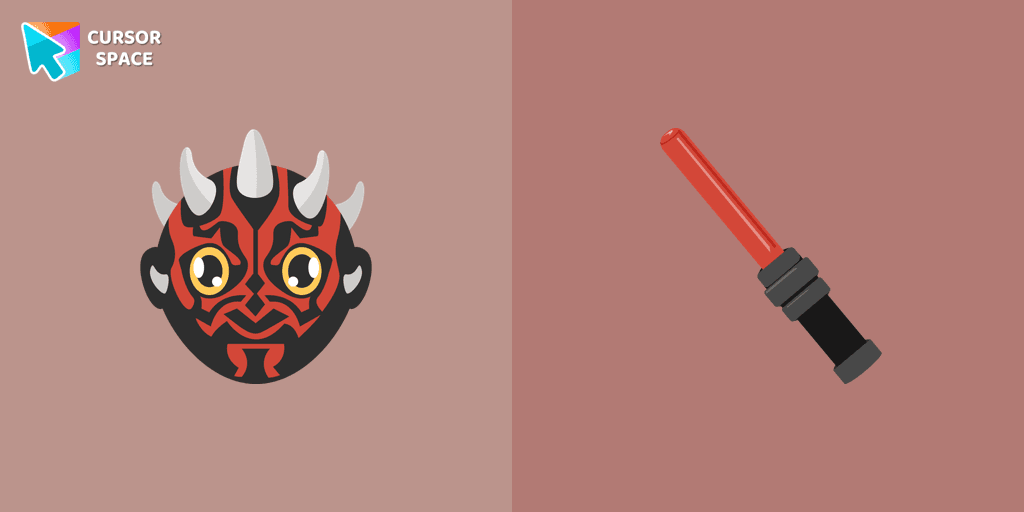
Star Wars fans will love our well-designed Darth Maul cursor for their mouse. This custom cursor features the dark lord of the Sith himself, a male Zabrak from Dathomir.

Enhance your desktop experience with the Custom Bibata Original Classic Cursor, a stylish and modern option for both work and leisure.
Installation leaders from "Avatar: Cursor Collection": free packs, neon/anime/pixel art, quick add to Chrome and Edge.

Meet our custom cursor with Messi and World Cup in The Wishes custom cursors collection for Chrome.
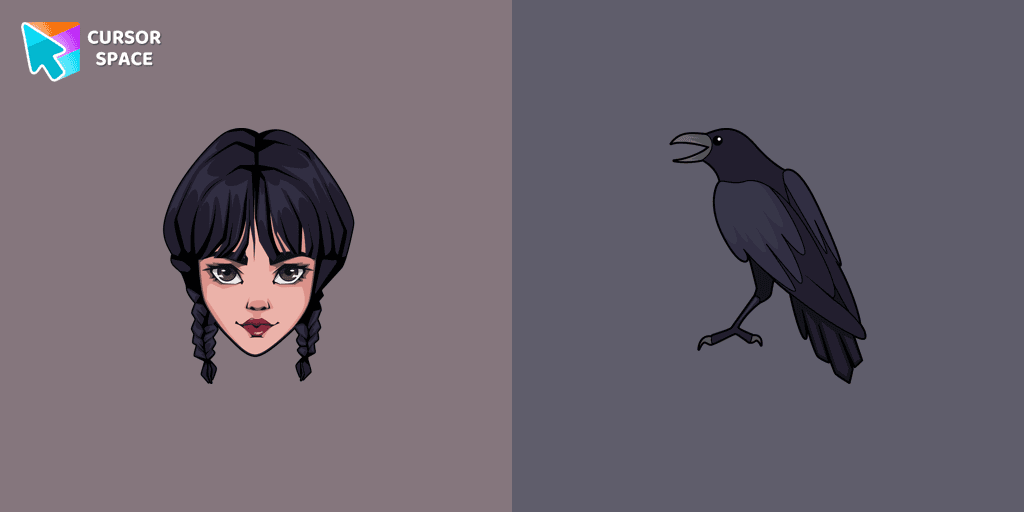
Wednesday custom cursor for a mouse is good fan art to decorate your browsing.
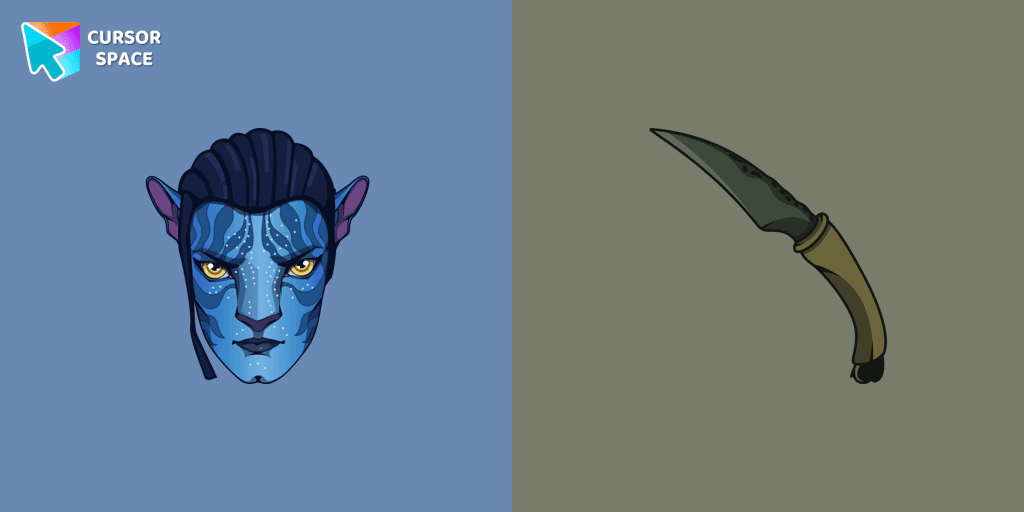
Meet our custom cursor with Jake from Avatar for The Wishes custom cursors collection for Chrome.

Meet our custom cursor with Ángel Di María in The Wishes custom cursors collection for Chrome.


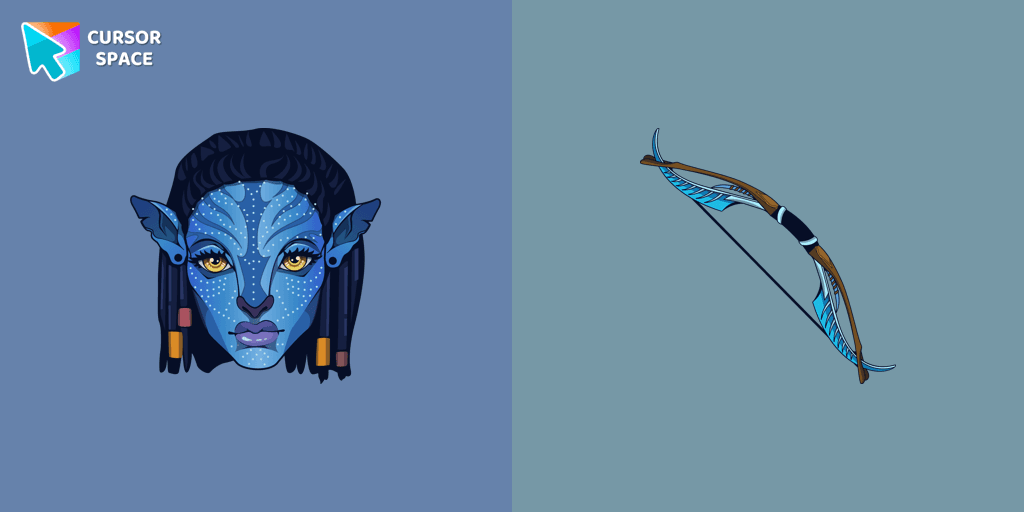
Tsireya from Avatar: The Way of Water custom cursor for the mouse and pointer in a terrific custom cursors collection.
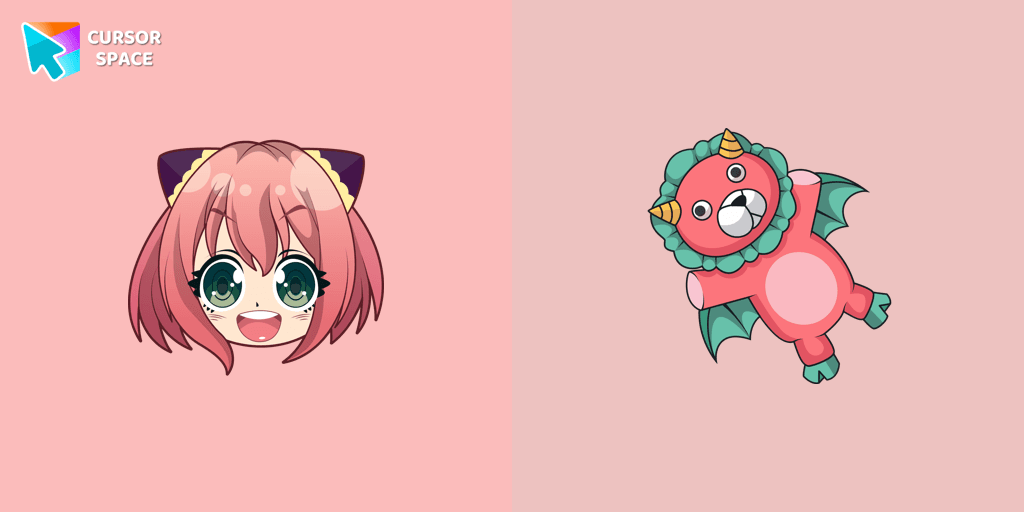
Custom cursor with Anya Forger is a good opportunity to change the usual mouse to the fans custom cursor.
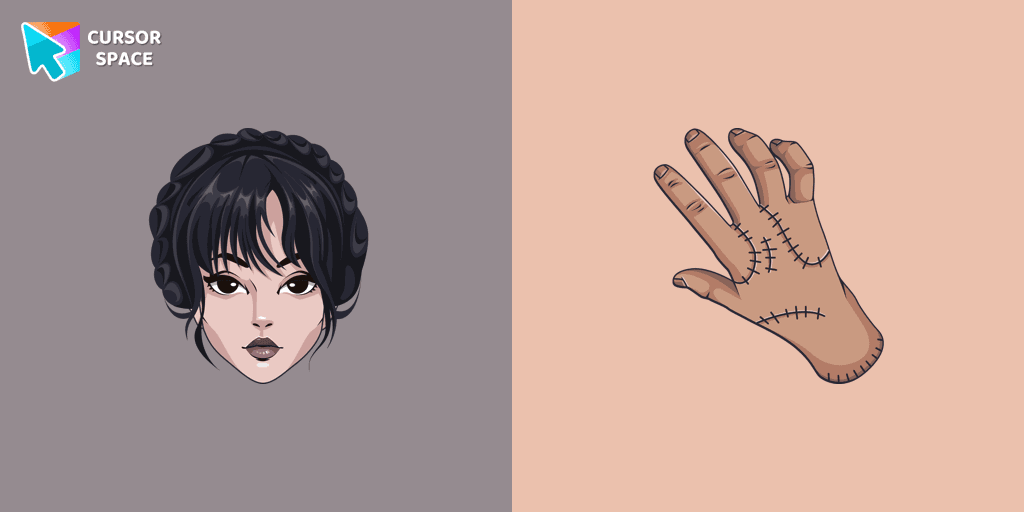
Our The Wishes custom cursors collection for Chrome has been expanded with yet another beautiful custom cursor with Wednesday Addams.
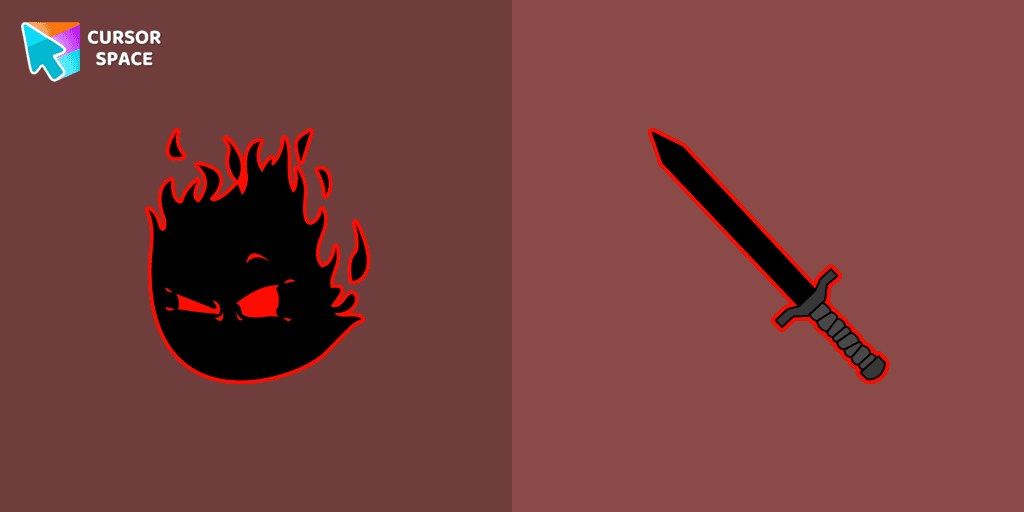
The Auditor custom cursor for the mouse is a pretty character in The Wishes cursor collection for Chrome.
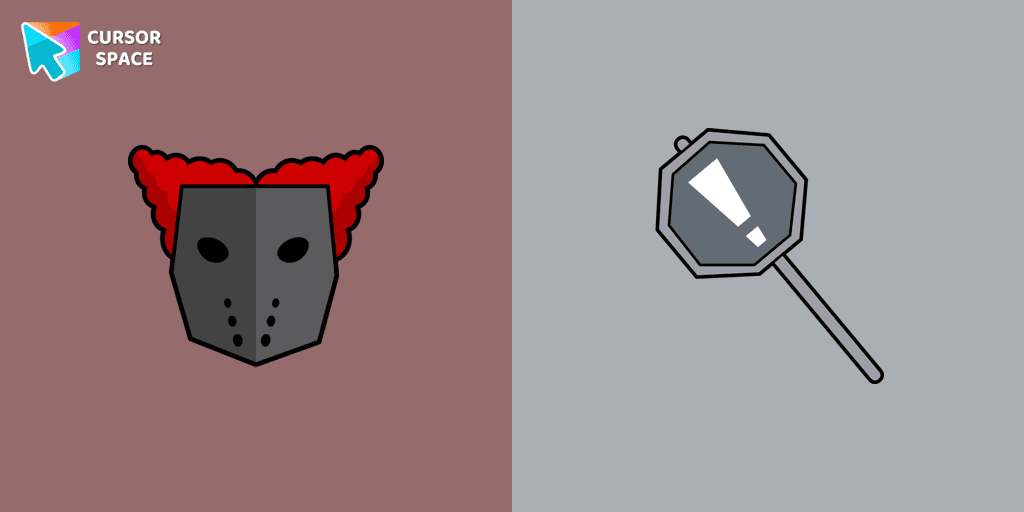
Tricky the Clown custom cursor for mouse and custom hover pointer with the character's weapon in The Wishes collection of custom cursors.
Add packs instantly and unlock access to thousands of cursors: neon, anime, pixel-art, and more. Fast, safe, and free.
Cursor Space is an extension for changing your mouse cursor in Chrome and Edge browsers: themed collections, HiDPI icons, neon, animated, and pixel cursors, with quick installation.